Mercedes-Benz Digital Transformation Bootcamp
Designed and delivered a two-phase digital transformation training program for around 140 HR professionals at Mercedes-Benz Greater China, covering Power BI, Power Automate, and M365 — transitioning the organization from legacy Excel reporting to a centralized, self-service BI platform.
Overview
As part of the HRGC "Re-Skill and Re-Invent" initiative, I independently designed and delivered a two-phase digital transformation program with the guidance of my mentor Kieso Jan. The goal was to shut down legacy HR reporting systems and migrate to a centralized Power BI Service cloud environment with semantic models, row-level security, and scheduled data refresh.
Phase I, the MBGC Power BI Insights Bootcamp, was an 8-session self-paced curriculum covering the full Power BI Desktop-to-Service pipeline — from data importing and DAX to row-level security and semantic model publishing. Each week included ~30-minute video lectures, cumulative practice sets using real HR datasets, and quizzes via Testportal with scores reported to management.
Phase II, the MBGC M365 Excellence Lab, extended the program with scenario-based M365 training covering SharePoint, Power Automate, Planner, and Clipchamp. The program was recognized by executive leadership and presented to Mercedes-Benz Board Member Sabine Kohleisen.
Program Interview
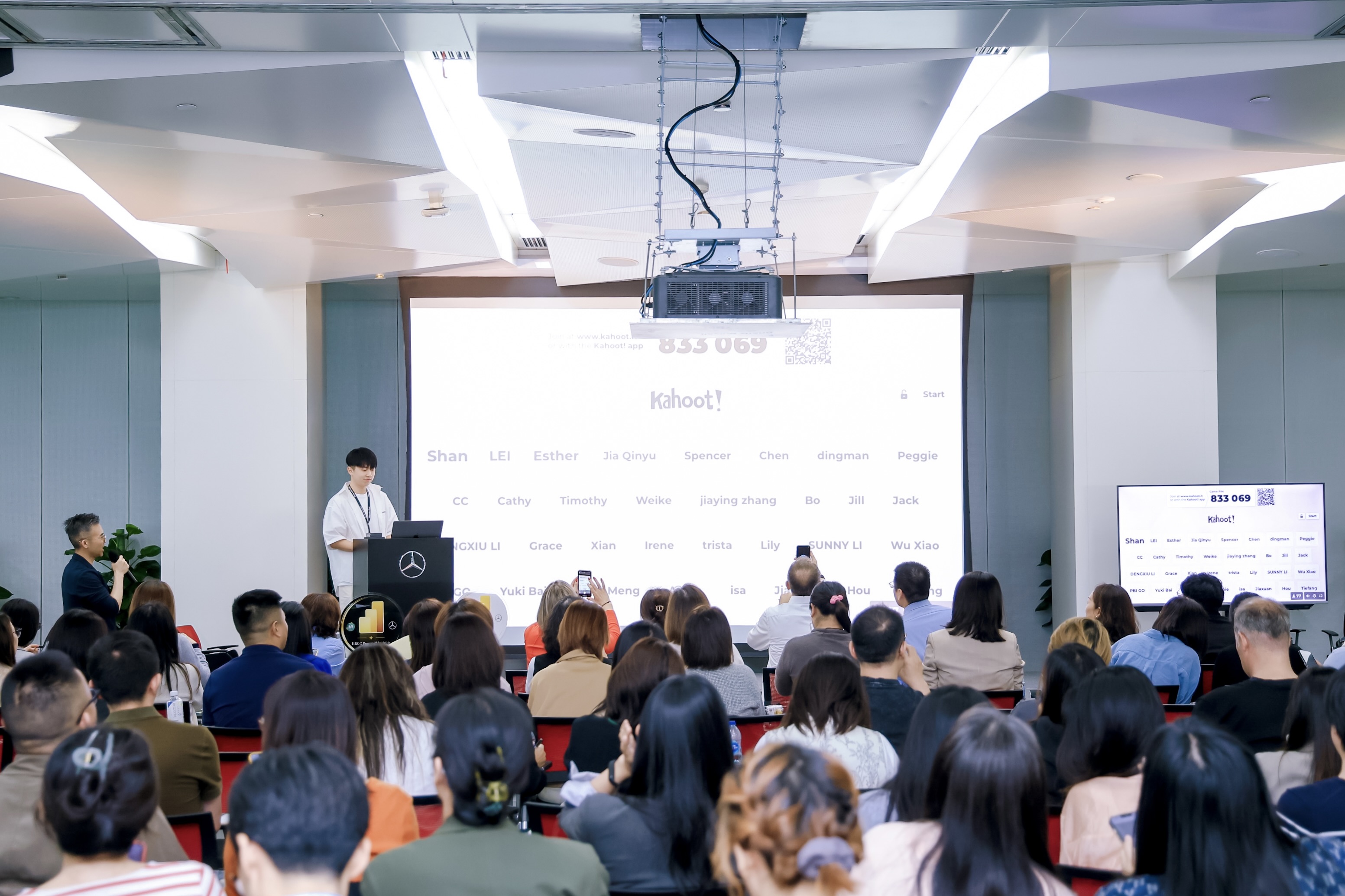
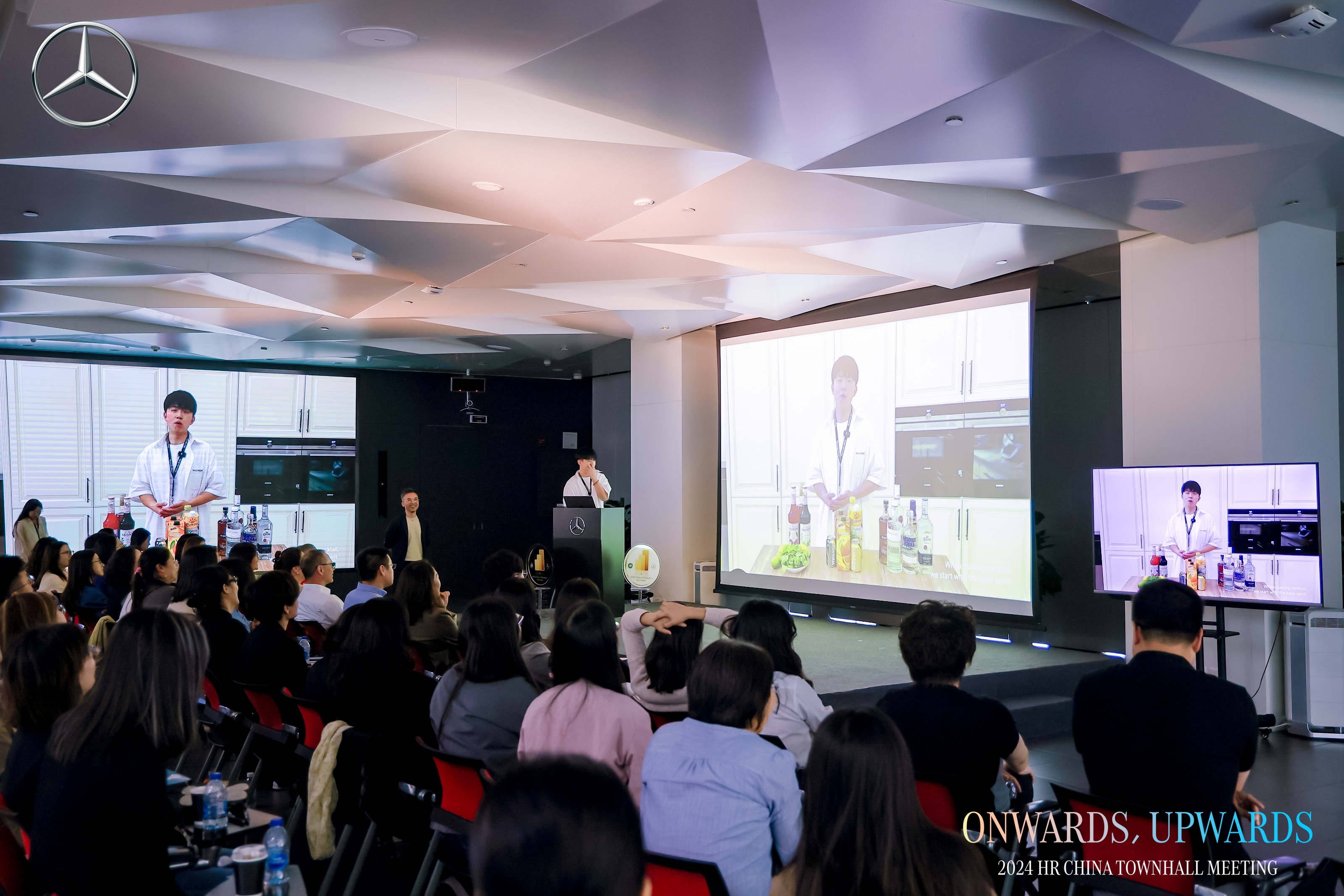
MBGC HR Townhall Interview — Power BI Insights Bootcamp Participant Feedback
MBGC Power BI Insights Bootcamp — 8 Sessions
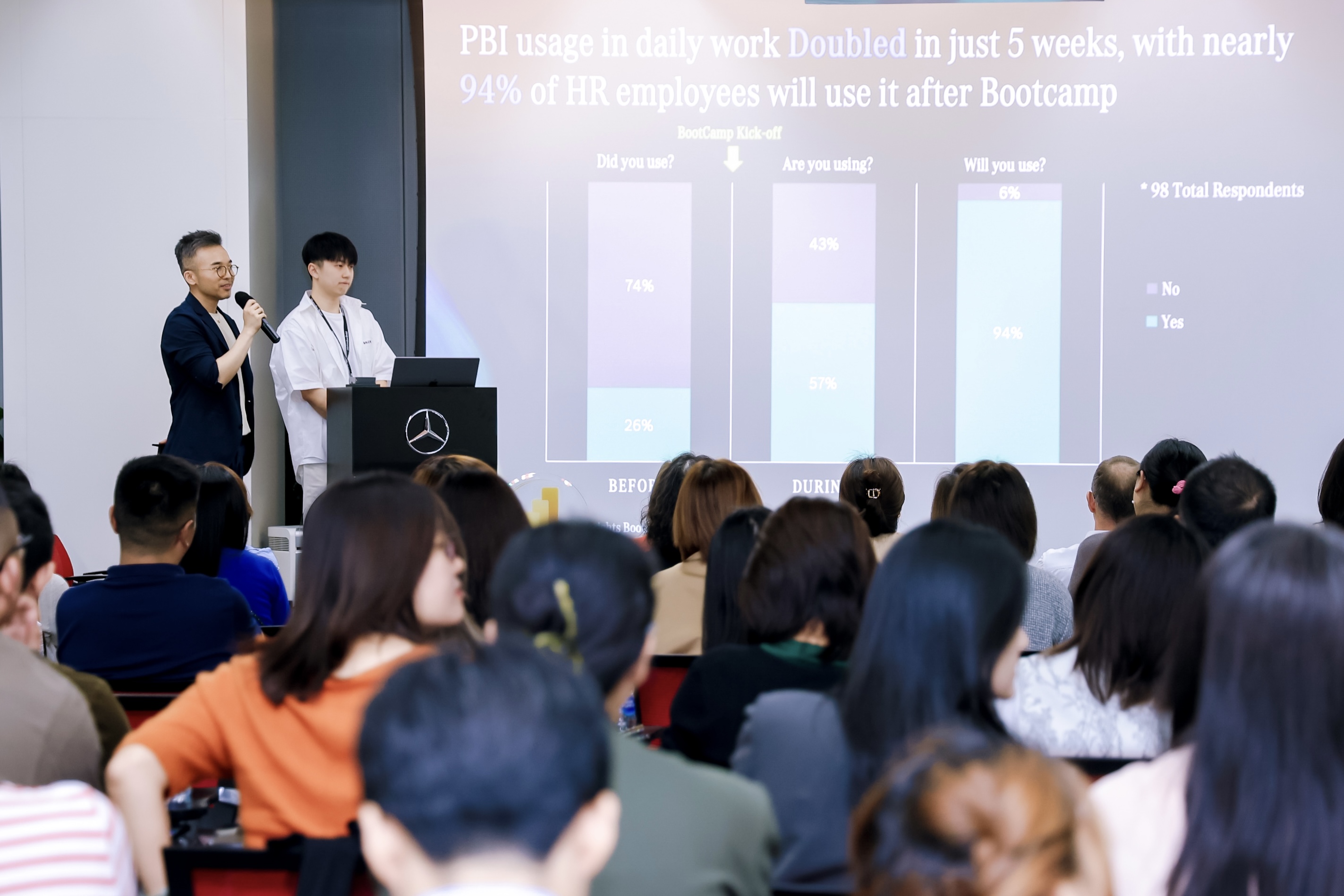
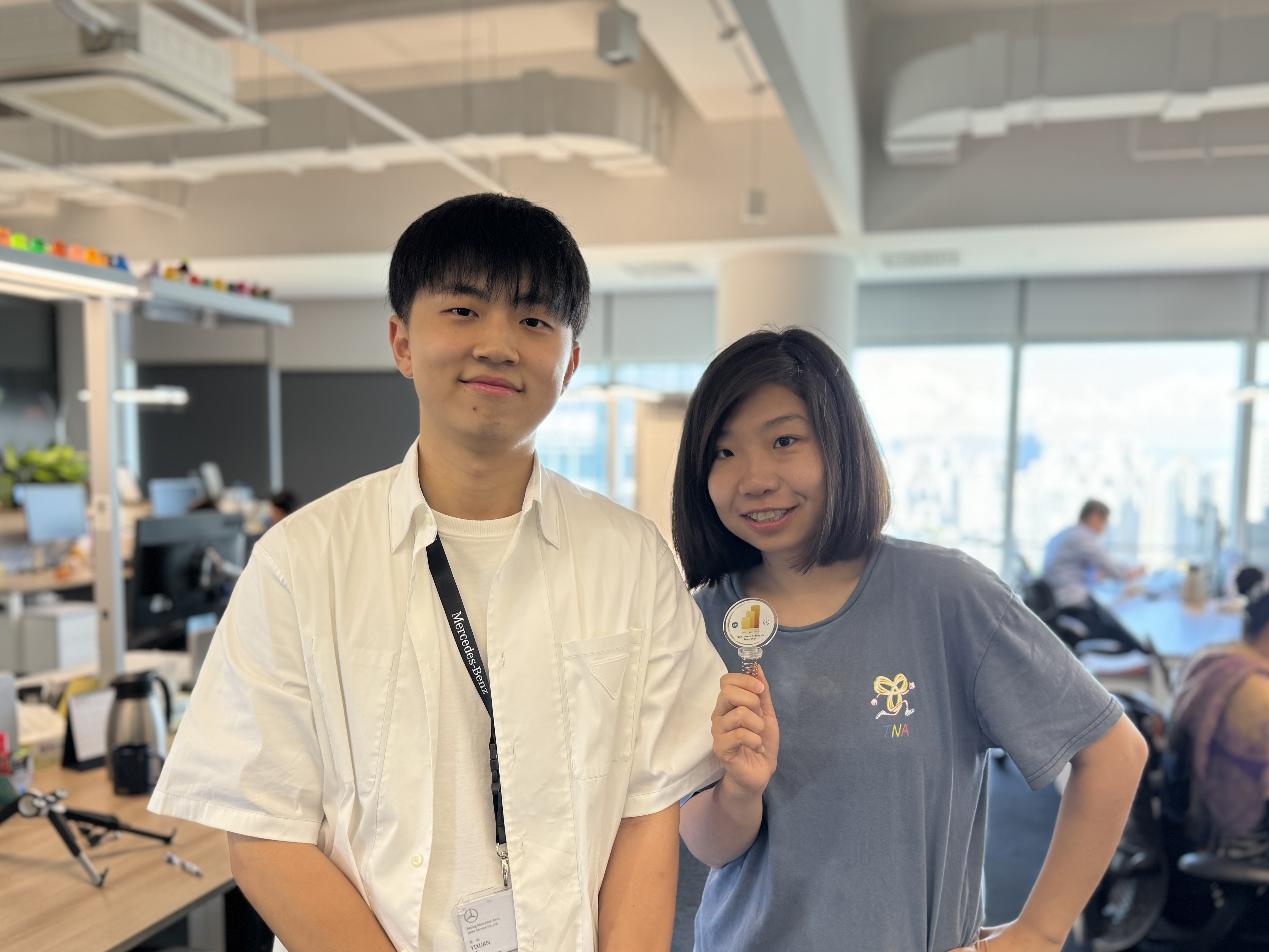
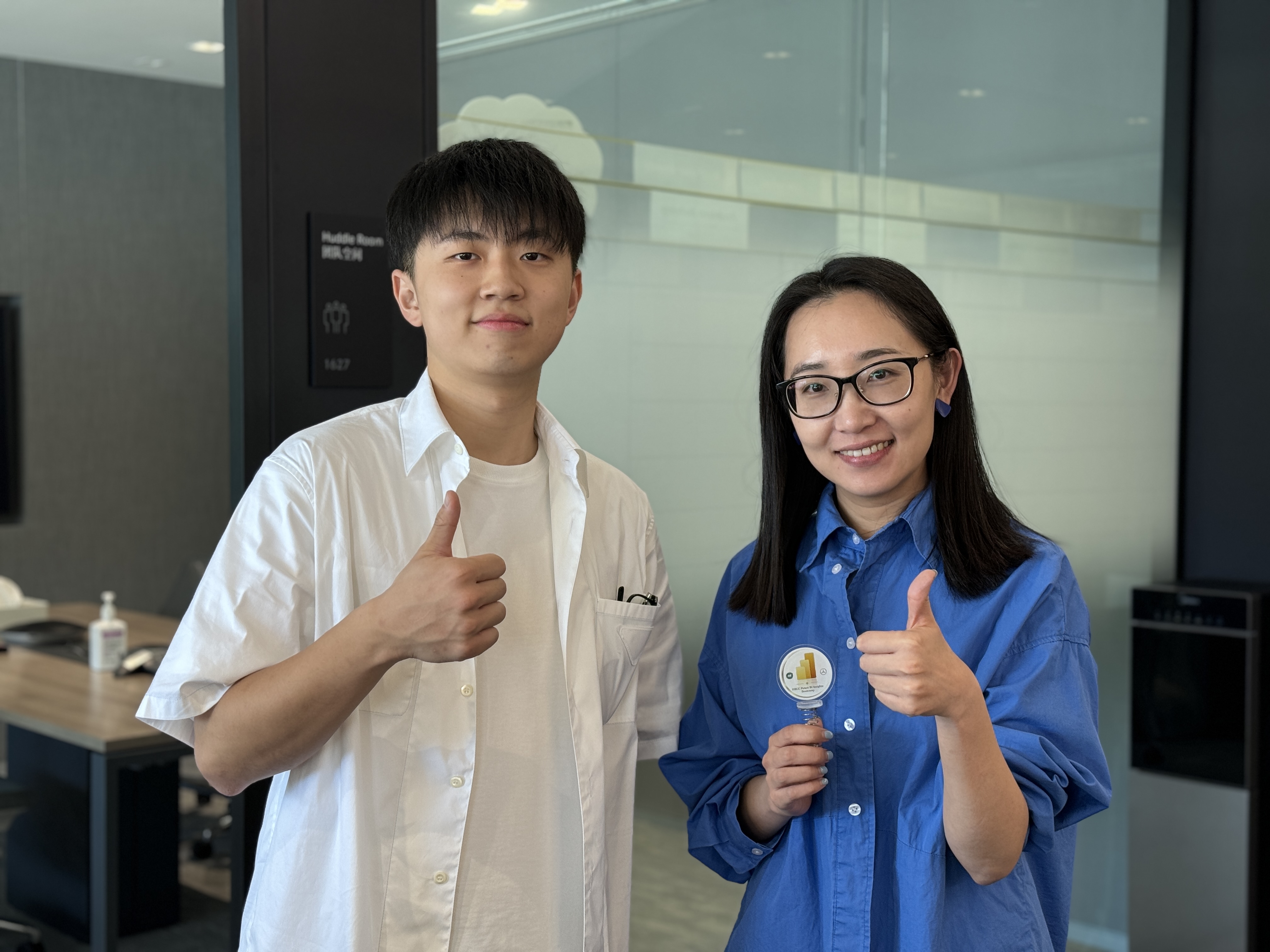
A self-paced curriculum covering the complete Power BI workflow — from data importing and modeling through DAX, Power Query, row-level security, and Power BI Service deployment. Each session included ~30-minute video lectures, cumulative practice sets built on real HR datasets, and weekly quizzes with scores reported to management. The program also featured optional walk-in workshops, a Teams Q&A community, and a competitive prize system.
Session 1 — Introduction to Power BI and Importing Data
Session 2 — Basic Visualization
Session 3 — Advanced Visualization
Session 4 — Intermediate Visualization
Session 5 — DAX and Report Design
Session 6 — Data Cleaning and Power Query
Session 7 — Row-Level Security
Session 8 — Power BI Service and Semantic Model
MBGC M365 Excellence Lab — 4 Sessions
Scenario-driven training sessions built around real HR business cases, covering SharePoint/OneDrive cloud collaboration, Power Automate approval workflows, project planning with Planner and Whiteboard, and video production with Clipchamp.
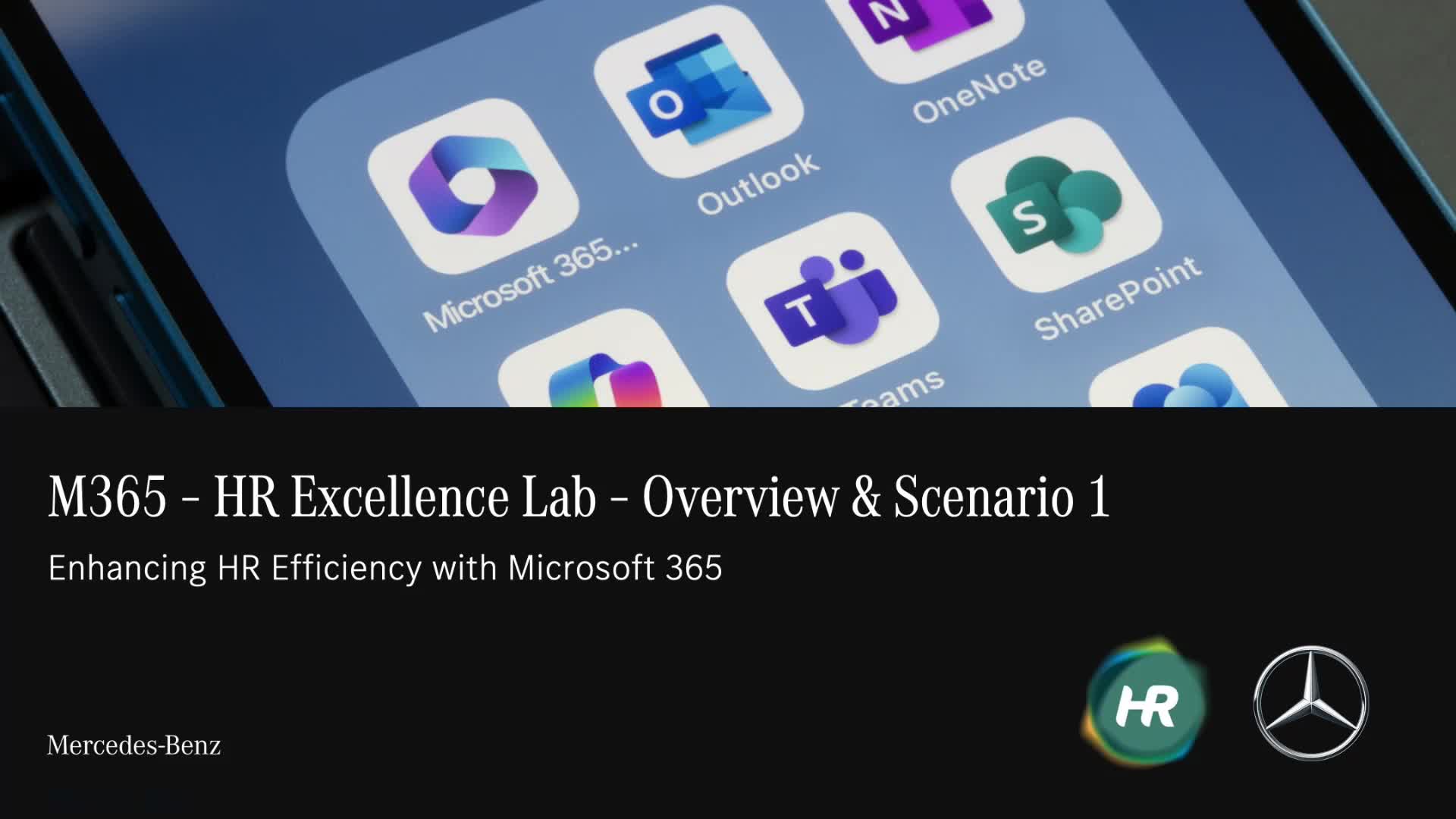
Scenario 1 — Local to Cloud File Management and Collaboration
Scenario 2 — Designing a Streamlined Employee Termination Checklist
Scenario 3 — Kicking Off a Project with Brainstorming and Planning Tools
Scenario 4 — From Script to Screen: Preparing the Townhall Video
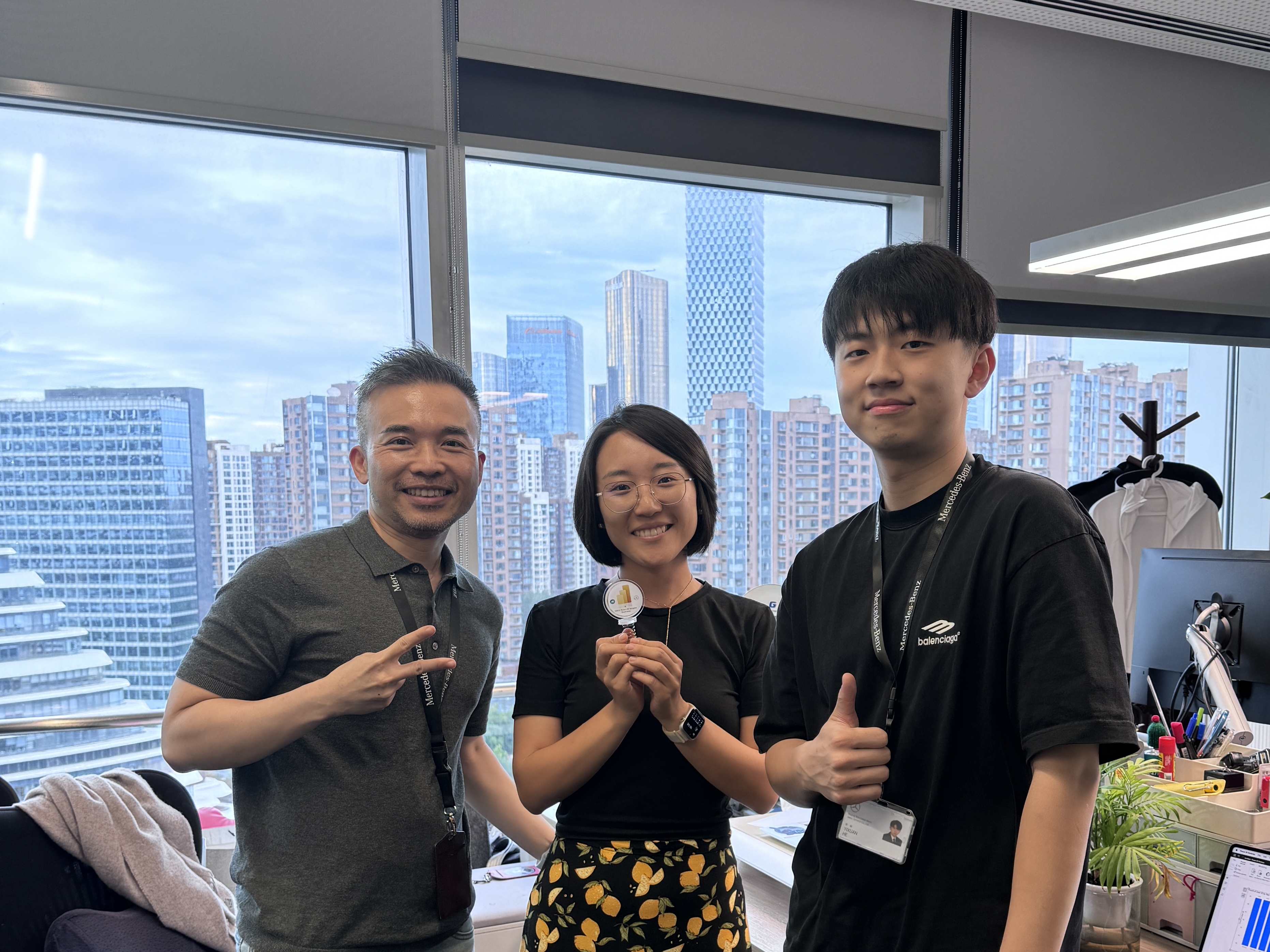
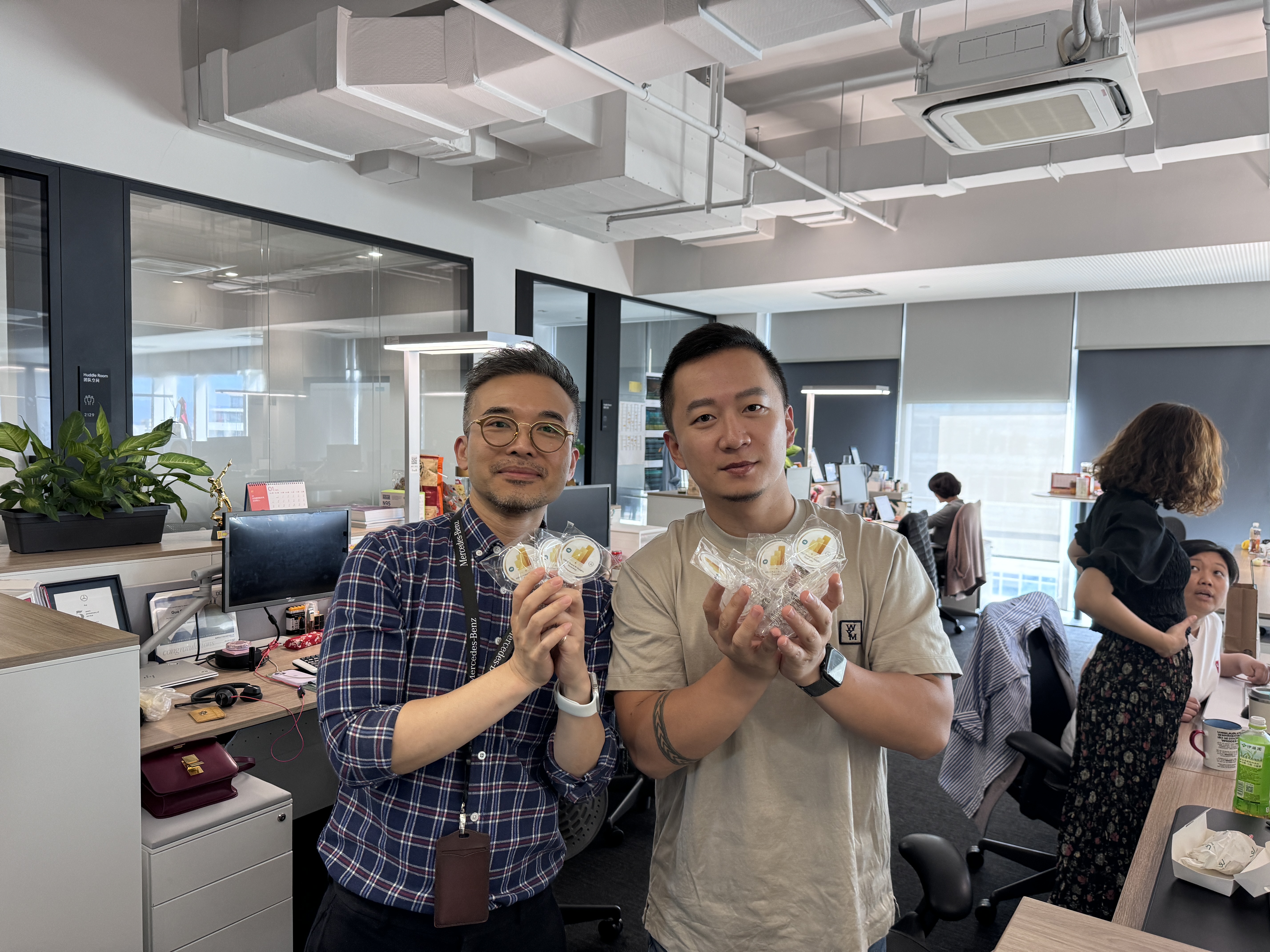
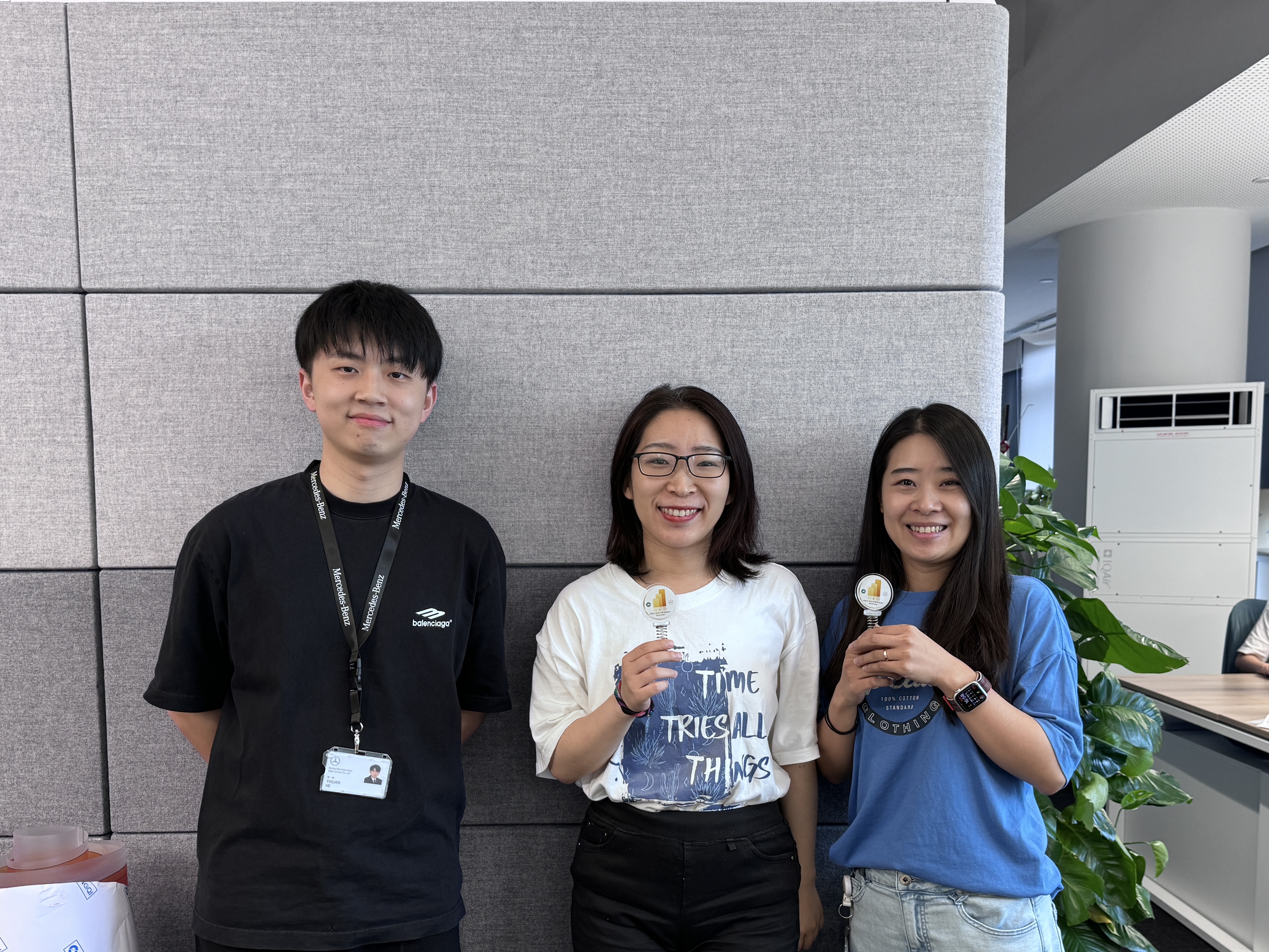
Training Gallery

Tools and Methodologies
- Power BI Desktop & Service — DAX, data modeling, row-level security, semantic models, scheduled refresh, cloud publishing
- Power Query — data transformations, cleaning automation, M language
- Power Automate — approval workflows, scheduled triggers, automated pipelines
- Microsoft 365 — SharePoint, OneDrive, Teams, Planner, Whiteboard, Clipchamp
- Curriculum Design — independently built an 8-session progressive structure with cumulative practice sets on real HR datasets
- Hybrid Delivery & Gamification — self-paced video lectures, weekly workshops, Teams Q&A community, and competitive prize system